
How to run structured workouts on Apple Watch
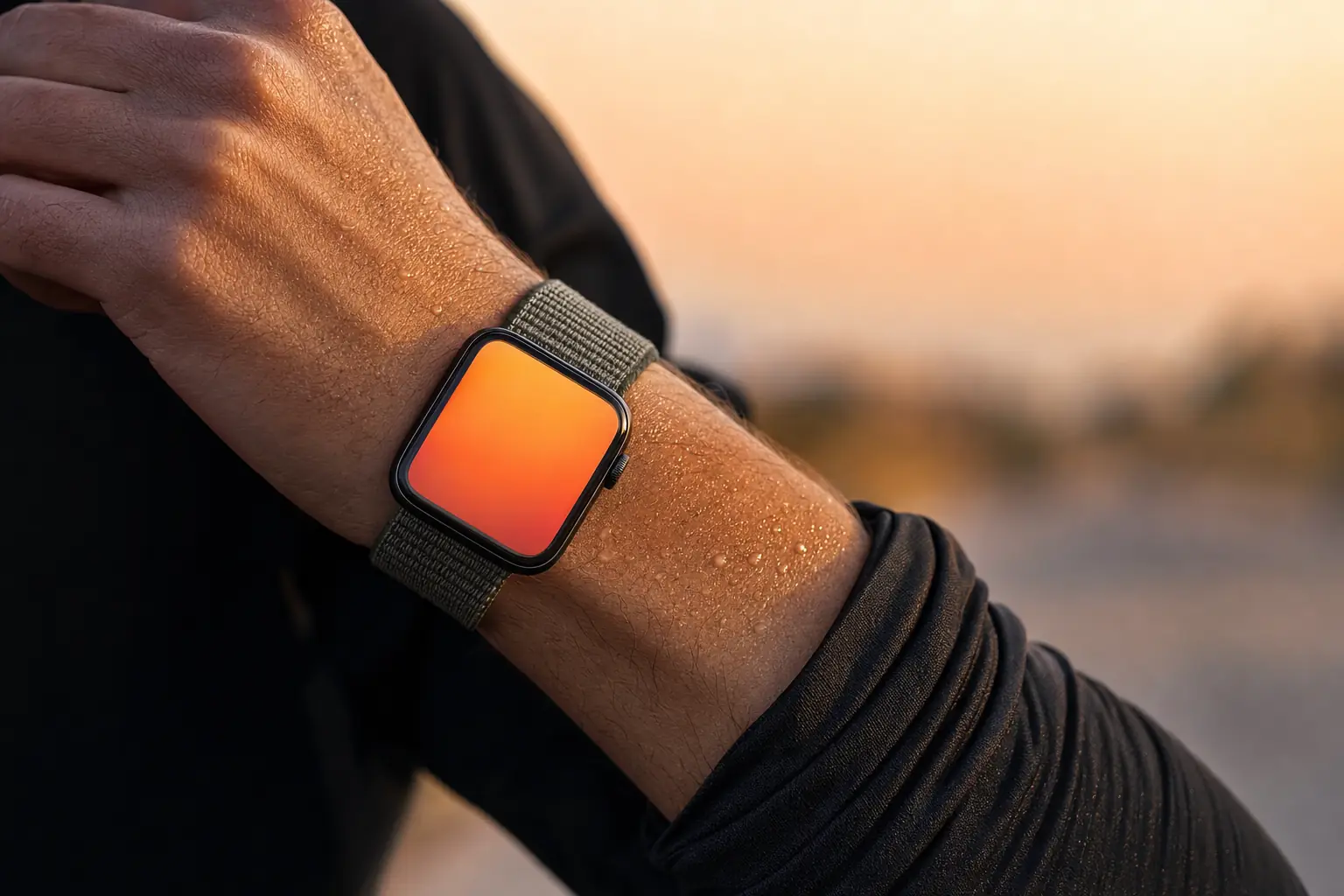
A structured workout on Apple Watch means the watch knows the session in advance: which block you are in, what pace that block is meant to be, and when it ends. The built-in Workout app handles simple time and distance goals, and a dedicated running app handles sessions with a warm-up, repetitions, recoveries and a cool-down in them.
How to run a structured workout on Apple Watch
- Pick the session on your phone first. Choose the workout in the running app on your iPhone so the block structure syncs to the watch before you leave.
- Connect your headphones. Pair AirPods or another Bluetooth set. Audio cues are what make a structured session work without looking at your wrist.
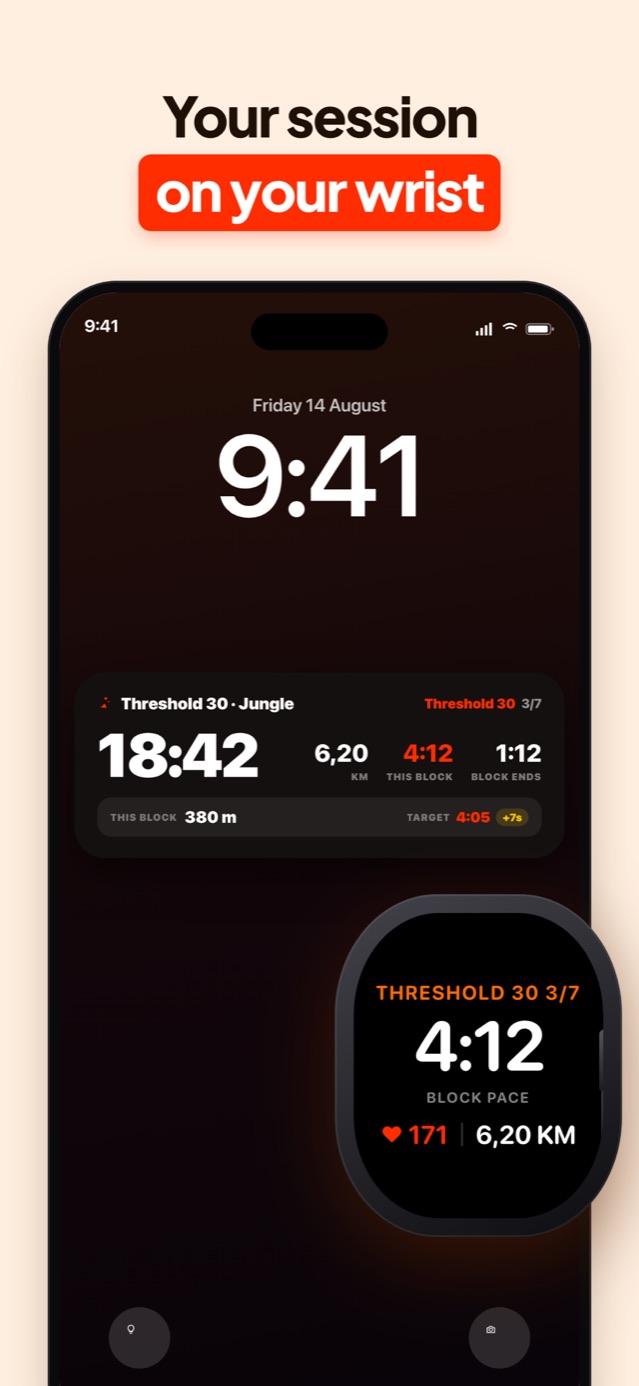
- Check what the watch face shows. You want the current block name, your pace within that block, time remaining in the block and heart rate. Total elapsed time is the least useful number on the screen.
- Start from the watch and run. Begin the workout on the watch. Block transitions arrive as a vibration and a spoken cue, so you can leave your arm down.
- Review the blocks afterwards. Check each repetition against its target rather than the session average, then let the result feed back into the paces for your next session.
What the screen needs to show
Mid-repetition, total elapsed time is close to useless. What you need is which block you are in, how you are pacing inside that block, and how long is left in it. Those three numbers let you make a decision while the decision still matters.
Heart rate belongs there too, as context rather than as a target. The optical sensor lags by 20 to 30 seconds after a change of pace, so on a two minute repetition it spends most of the block catching up.
Anything else on the face is decoration. A watch screen read at 4:12 per kilometre in the rain has room for four numbers, and one of them should be the one you are being judged on.
Setting one up
Apple’s own Workout app supports custom workouts with warm-up, work, recovery and cool-down blocks, built on the iPhone and synced across. It handles alerts for pace and heart rate ranges, and for a simple session it is enough.
Where it runs out is pace targets derived from your actual fitness. You have to supply every number yourself, which means the quality of the session depends on you already knowing what your threshold pace is this month.
Samado takes the other approach: pick the session, and the targets are already computed from the runs in your Apple Health history. The blocks arrive on the watch with their paces attached.
Can you leave the phone at home?
On a cellular Apple Watch, yes, for everything that matters during the run: GPS, heart rate, block tracking and audio to paired headphones all work independently.
On a GPS-only watch you still get the workout and the audio, because the session is stored on the watch once it has synced. What you lose is anything that needs a live connection, and the Live Activity on the phone you left behind.
Battery is the practical limit rather than connectivity. GPS with continuous heart rate and audio streaming to headphones will get through a half marathon on most recent models, though not a long trail day.
Wrist sensor or chest strap?
The wrist sensor is accurate enough for steady running and for anything longer than about three minutes. It struggles with rapid changes in effort and with cold hands, where it can read 20 beats low for the first minute of a repetition.
If your training is mostly easy running and threshold work, the wrist is fine. If you run a lot of short repetitions and you want the heart rate data to mean something, a chest strap pairs to the watch over Bluetooth and settles the argument.
Frequently asked
Do I need my iPhone with me to run a structured workout?
No. Once the session has synced to the watch it runs on its own, including GPS, heart rate and audio cues to paired headphones. A cellular watch adds live data on top, and a GPS-only watch simply syncs the result when you get home.
Can I get audio cues through AirPods from the watch?
Yes. Pair the AirPods to the watch itself rather than to the phone, and spoken block cues play from the watch even with the iPhone left at home.
Keep reading
Heart rate zones for running, explained
What the five running heart rate zones are for, how to set yours without a lab test, and why the zones your watch shipped with are probably wrong.
Read the guide
Interval training for runners: how to structure a session
The four numbers that define an interval session, how many repetitions to run, how long recovery should be, and where intervals belong in a training week.
Read the guide
What is threshold pace in running, and how do you hit it?
Threshold pace is the effort you could race for about an hour. How to work yours out from a race, a time trial or heart rate, and how to run the session.
Read the guideRun the session instead of reading about it
Samado turns all of this into blocks with pace targets, calls them out while you run, and scores every repetition afterwards.
Download on the App Store